[V1.2] Image to Roblox | Auto Draw
Draw & Donate 🎨
6mo ago

Description
Hey everyone!
I’ve been working on a little tool called PixelPorter, an image-to-JSON converter that lets you bring custom images into Roblox through this script.
UPDATED TO V1.2
• Added an option to load files from the "pixelporter" folder
• Basic Usage: Execute the script once, Convert an Image on the website, download the JSON, copy the file to workspace/pixelporter and press refresh. (Easy loading)
How it works:
Go to the converter site: https://0o4o.github.io/image-converter
Upload any image.
Press Convert Image
The site will convert it into JSON data.
Copy the JSON data.
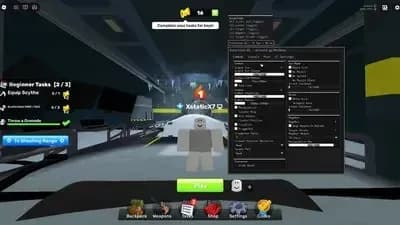
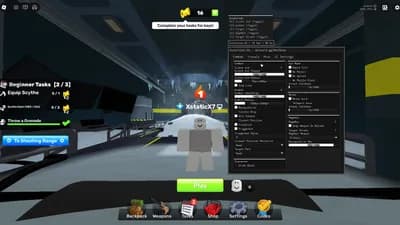
Execute the script and claim a canvas.
Keep the drawing screen open.
Paste the JSON data into the textbox.
Press “Load Image” and watch your image appear inside Roblox!
Tags
draw & donatedrawauto drawjson



Comments
[V1.2] You can now easy load images without the need of pasting the whole JSON file into the textbox.
LOVE this and, another suggestion is to please make a spray paint script for autodrawing, OR SPEED DRAW. With this talent anything is possible.
Add a option so the image fits perfectly within the frame, OP ASF TYYY
Works well on potassium and made a little bit of robux. W
The JSON code is too long to copy
this is terrible
How long does it usually take for an image to load?
Does it work on Xeno or Volcano sir?
doesn't work
the image not loading im roblox its just say loading but nothing happens