Night Vision Goggles Overlay Remover & ESP

Description
Donate At [linktree](https://linktr.ee/whosthees) <<< CLICK
Features
Outline ESP
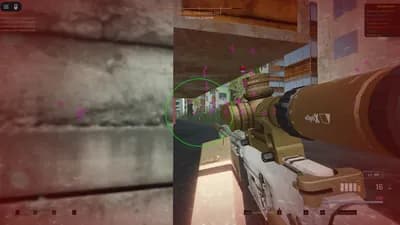
Adds an outline to characters so they're easier to see without filling the model.Highlight Character
Applies a color fill directly to the character for clear identification.Fill Color ESP
Solid color fill that stays visible even when characters are seen through walls.Dynamic Crosshair
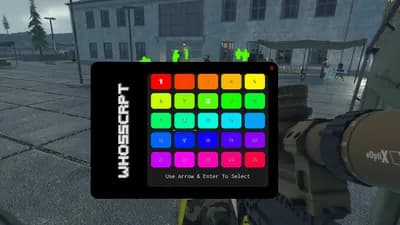
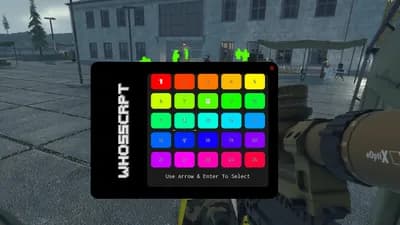
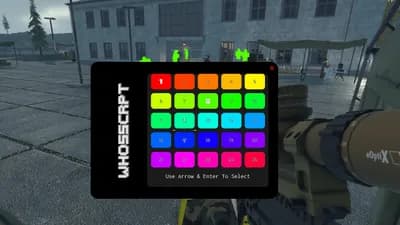
Shows a crosshair when visuals are active and adapts to the selected color.Color Picker UI
Simple color menu with preset colors that apply instantly.Opacity Control
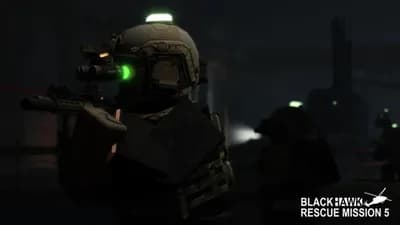
Adjusts how strong the fill color looks ig.Remove Night Vision Goggles Overlay
Removes the NVG overlay for a cleaner screen.
Keybinds
Toggle Outline ESP
NUMPAD 1 / LALT+1Open or Close Color Picker
NUMPAD 2 / LALT+2Highlight Character
NUMPAD 3 / LALT+3Fill Color ESP
NUMPAD 4 / LALT+4Remove Night Vision Goggles Overlay
NUMPAD 5 / LALT+5Encrease or Decrease the Fill Color Opacity
+ / -
Notes
Color changes apply instantly
Opacity only affects fill visuals
Crosshair follows the active visual mode





Comments
No comments yet
Be the first to share your thoughts!